A photo frame for the iPad you already own.
Point Picalator at an album and it shows your photos, full screen, with the time and the weather. Prop the iPad on a shelf and it gets on with it.
Coming to the App Store
iPad · iOS 16 or later · One purchase, no subscription

Give your old iPad something to do.
Most of us have an iPad that has been replaced but still works perfectly well. It is a beautiful screen doing nothing.
Picalator gives it a job. Choose the albums you want, stand the iPad somewhere you walk past, and your photographs come back to you — the ones you took, not the ones an algorithm picked.
What it does
-
Your albums, on rotation
Tick as many albums as you like. Add photos to them from any of your devices and they appear on the frame by themselves.
-
Shared albums too
Tick an album your family shares into, and the photos they add turn up on the frame without anybody doing anything.
-
A clock you choose
Digital, analogue, or words. Set its size, its corner and how present it is — or turn it off entirely.
-
Local weather
The current conditions where the frame is, tucked in a corner. Off by default if you would rather not.
-
Where and when
Each photo quietly names the place it was taken and the month it was taken in — Bruges, Belgium · October 2024. It is surprising how often that is the thing you wanted to know.
-
Away, and at home
Far from home it names the district — Montmartre, Paris. Close to home it names the park you were standing in, because “Sydney” tells a Sydneysider nothing. Worked out from the photo's own GPS and a home town you type once: no location permission, no tracking, nothing guessed about you.
-
And exactly where
Tap the map icon and the spot the photo was taken appears right there in the frame, pin and all. It settles the argument about which beach it was, then you are back in the slideshow.
-
Different albums, different times
The bike rides in the morning, the family at night. Or let Picalator surprise you with something different every day.
-
Asleep when you are
Set times for the screen to turn off overnight and while you are out. It dims the backlight right down, then brings it gently back before it is due to wake.
-
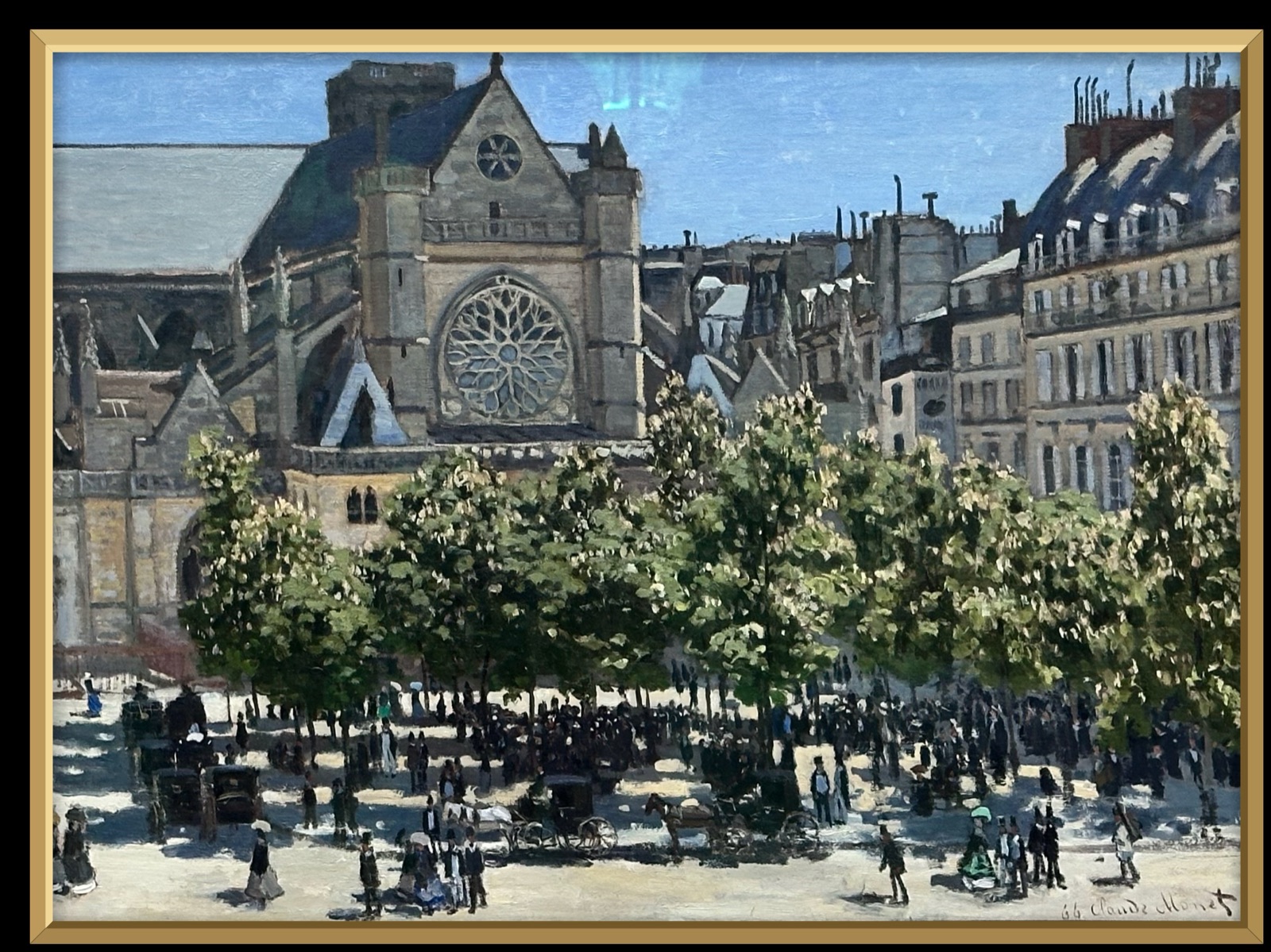
One picture, framed
Show a single photograph in a real picture frame instead. It drifts across itself over hours, far too slowly to catch — look up later and you are studying a different part of it.
-
Your photos never leave your iPad
No accounts, no uploads, no analytics. Your photos are read from Apple Photos and displayed. That is the whole of it.
On the shelf



Getting started
Three steps, and then you can forget about it.
- Open Picalator and allow it to see your photos.
- Tap the screen for the controls, then tap the gear.
- Choose Albums and tick the ones you want.
Keep the iPad plugged in — the screen stays awake while Picalator is running, which is rather the point of a photo frame.